If you want a powerful office suite, Microsoft Office 2021 Pro Plus is a great choice. It’s fast, stable, and packed with tools. You get Word, Excel, PowerPoint, Outlook, and more. It helps you work better and faster.
This version is made for business and professional users. It works well for students too. Microsoft Office 2021 Pro Plus has updated features and improved performance.
It does not need a monthly subscription. You pay once and own it forever. That’s one of its best points. Many people prefer this over Office 365 for that reason.
It also works well with Windows 10 and 11. If you have the right hardware, you will enjoy smooth performance. This suite is easy to install and simple to use.
When you learn how to download Microsoft Office 2021 Pro Plus, you get access to the real product. Don’t use cracked versions. They can damage your system or steal your data.
The genuine product comes with security patches and support. You stay protected and productive.
Why You Should Download It Legally
You might see free versions online. But many of them are unsafe. They can harm your system or steal your data. It’s not worth the risk.
When you download Microsoft Office 2021 Pro Plus from official sources, you stay safe. You get clean software with no viruses.
Legal downloads also give you updates. These updates fix bugs and protect your system. Illegal copies will not get updates.
Support is another key benefit. Microsoft helps users who install their products legally. If you face a problem, you get help.
A legal copy also means better performance. Cracked versions are often buggy. They crash or freeze often.
When you buy legally, you also support the developers. This helps them create better tools. Everyone benefits.
So always choose the legal route. You get peace of mind and full features. That’s why knowing how to download Microsoft Office 2021 Pro Plus safely matters.
System Requirements for Microsoft Office 2021 Pro Plus
Before you download Microsoft Office 2021 Pro Plus, check your system. It must meet some basic requirements.
Here is what you need:
A PC with Windows 10 or Windows 11
A 1.6 GHz or faster processor
4 GB RAM or more
At least 4 GB of free disk space
A screen with 1280×768 resolution
DirectX 9 or later with WDDM 2.0
Make sure your system is up to date. That way, Office runs smoothly.
If you use a Mac, Office 2021 also works there. But the features may differ. Most users prefer it on Windows for full tools.
If your PC is old, consider upgrading. Office 2021 needs a decent machine to perform well.
It’s smart to check your specs first. That saves time during setup. Once you confirm your system, you can download Microsoft Office 2021 Pro Plus with ease.
Genuine vs Pirated Versions – Know the Risks
It may be tempting to use pirated software. But that’s a bad idea. It’s risky and illegal.
When you use pirated Office, you put your data in danger. Hackers often hide malware in cracked files.
These files may also include hidden spyware. That means someone could watch what you do.
The pirated version may look the same. But it lacks updates and support. You get no help if something breaks.
You also break the law. That can lead to fines or worse. It’s not worth it.
When you learn how to download Microsoft Office 2021 Pro Plus the right way, you avoid all these problems.
Choose legal software. It’s stable, safe, and secure. You’ll get peace of mind and long-term value.
Where to Download Microsoft Office 2021 Pro Plus
The safest place is the official Microsoft site. That’s where you’ll find clean and original files.
You can also download it from trusted partners. Examples include Amazon or MicrosoftProKey.com.
Make sure the site is legit. Check reviews and security badges.
Do not download from shady forums or torrent sites. They often host pirated or modified files.
Always verify the file before opening it. Use antivirus tools if needed.
When you download Microsoft Office 2021 Pro Plus from a trusted source, the install goes smooth.
You get the latest version and full features. You can also get license keys and activation support.
It’s always better to be safe than sorry. Choose your download site wisely.
Step-by-Step Download Guide for Microsoft Office 2021
Let’s break down the exact steps of how to download MS Office 2021Pro Plus. It’s easy if you follow the process. There are two official methods: the setup portal and the direct IMG file.
Step 1: Download from Microsoft Official Website
You can safely download essential software like Windows, Office, Teams, and Visual Studio from the official Microsoft website. It provides the latest updates, correct versions, and clear instructions to ensure a secure and reliable experience.
Recommended Method (Requires Product Key)
Go to the official Microsoft setup page: https://setup.office.com
Sign in with your Microsoft account (or create one).
Enter your 25-character product key.
Follow the prompts to download and install Office 2021.
After installation, sign in again to activate.
Note: If you face trouble with this method (e.g., product key issues, regional limitations, etc.), please follow Step 2, which is a faster and easier alternative.
Step 2: Direct Download from Microsoft CDN (IMG File)
Downloading the IMG file directly from Microsoft’s Content Delivery Network (CDN) ensures you’re getting a 100% genuine and unmodified copy of the software. Get a secure, original IMG file directly from Microsoft’s servers. It’s fast, safe, and ensures a genuine, untampered installation.
Easiest Method — Official Microsoft Serve
Direct IMG File (English – Retail version):
To download IMG file download here
Both methods are legal and safe. Whether you buy directly from Microsoft or a reseller like Microprokey, the steps are the same.
Now, let’s talk about how to double-check that your download is safe and clean.
That’s it. You’ve learned how to download Microsoft Office 2021 Pro Plus easily.
This method is fast, safe, and simple. You avoid malware and fake copies. You get full access to every tool.
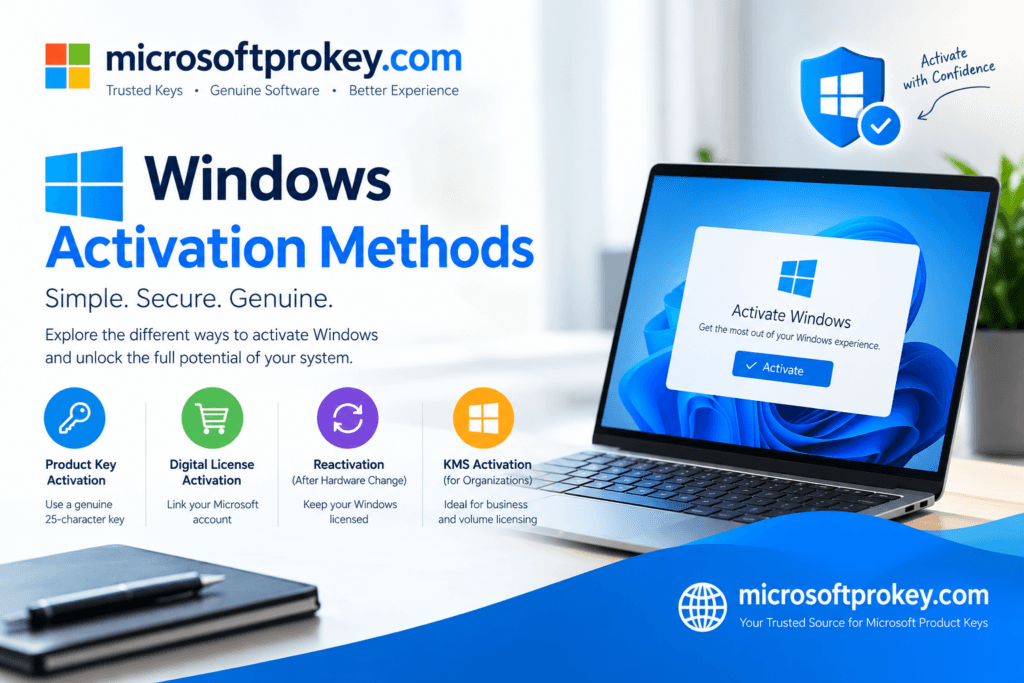
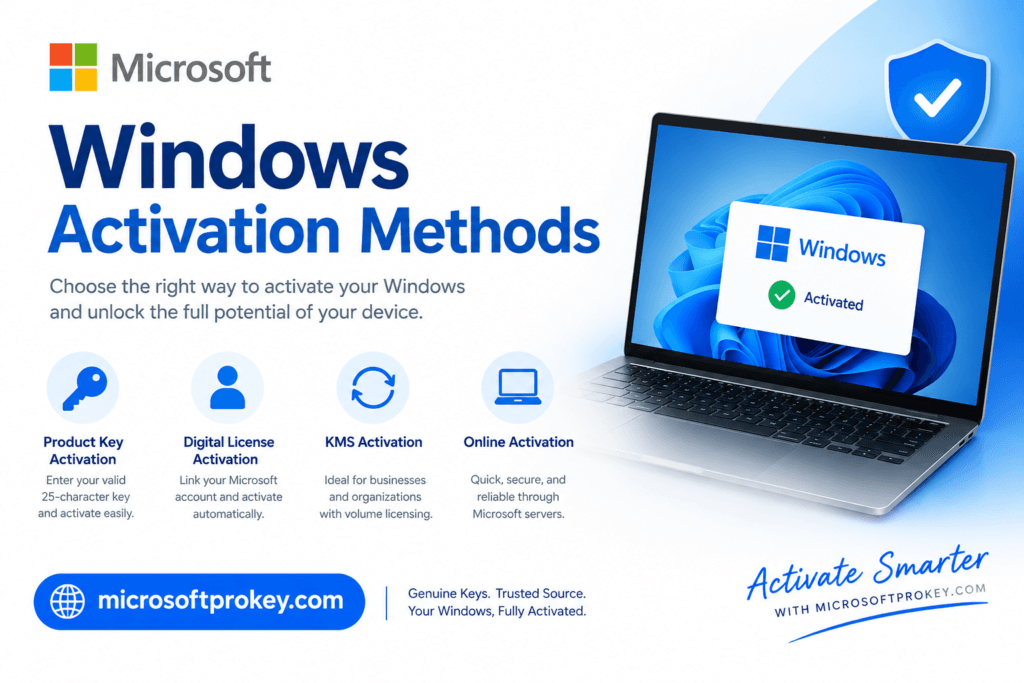
How to Activate Microsoft Office 2021 Pro Plus
After you install it, you must activate it.
Open any app, like Word or Excel. A box will pop up. It will ask for a product key.
Enter the key that came with your purchase. Then click activate.
Make sure your PC is online. That helps Office connect to Microsoft servers.
In most cases, it activates in seconds.
If you have issues, check your key again. Make sure it’s typed right.
Still having trouble? Contact Microsoft support or your seller.
Once activated, Office is ready to use. You’ll enjoy full access.
This is a key part of how to download Microsoft Office 2021 Pro Plus correctly.
Troubleshooting Installation Issues
Sometimes things go wrong. But don’t worry. You can fix most problems easily.
Here are common issues:
Not enough disk space
Unsupported operating system
Wrong version (32-bit vs 64-bit)
Antivirus blocking install
To fix them, try this:
Free up space
Update Windows
Download the right version
Pause antivirus during install
If it still fails, use Microsoft’s Office Tool. It helps fix errors fast.
Always install from trusted sources. That avoids most issues.
When you follow safe steps, you avoid trouble.
Learning how to download Microsoft Office 2021 Pro Plus the right way helps prevent these problems.
How to Keep Your Office Software Updated
Updates keep your software safe. They also add features and fix bugs.
Open any Office app. Go to File > Account > Update Options. Click “Update Now.”
Make sure your PC stays online. Office will check and install updates.
You can also set it to auto-update. That way, you never miss a patch.
Don’t ignore updates. They protect you from viruses and threats.
Microsoft releases updates often. Stay ahead and secure.
Knowing how to download Microsoft Office 2021 Pro Plus is just the start. Keeping it updated is just as vital.
Microsoft Office Pro Plus Features You’ll Love
Office 2021 Pro Plus comes packed with smart tools. Here are some great features:
Real-time collaboration
Dark mode support
Advanced Excel functions
Outlook email improvements
Improved PowerPoint design tools
It’s made for both work and school. Whether you write, calculate, or present, it has you covered.
The new features make tasks faster and easier.
When you download Microsoft Office 2021 Pro Plus, you unlock all these features.
It’s a full suite, ready for anything.
How to Backup Office Installations
Backing up is smart. It saves time if you need to reinstall later.
First, save your product key. Write it down or email it to yourself.
Then copy the installer file to a USB or cloud drive.
You can also use disk imaging tools to back up your system.
This way, if your PC crashes, you won’t lose Office.
It’s easy and worth the effort.
As part of learning how to download Microsoft Office 2021 Pro Plus, backing up helps long term.
Can You Use One License on Multiple Devices?
It depends on the license. Retail keys usually work on one PC.
If you upgrade your PC, you can move the key.
Volume licenses allow use on more than one machine.
Always check the license terms. It will tell you how many installs are allowed.
Don’t try to use one key on too many devices. That could block activation.
When you buy from trusted sellers, they explain the terms clearly.
This is another reason to download Microsoft Office 2021 Pro Plus from legal sources.
Advertise and Buy from MicrosoftProKey.com
Looking for a trusted source? Try MicrosoftProKey.com.
They sell genuine Microsoft keys at fair prices. You get fast delivery and full support.
Their site is safe and secure. Thousands of users trust them.
They offer real product keys for Microsoft Office 2021 Pro Plus.
Each purchase comes with clear instructions.
They also help with activation issues.
If you want to learn how to download Microsoft Office 2021 Pro Plus, they’re a great place to start.
Check their deals. Save money. Get real software.
Final Thoughts and Conclusion
If you want reliable office software, Microsoft Office 2021 Pro Plus is the best choice.
You get powerful apps like Word, Excel, and PowerPoint. Everything works fast and smooth.
But the key is doing it the right way.
You must know how to download Microsoft Office 2021 Pro Plus safely and legally. This keeps your system secure and gives you full features.
Don’t risk your data with pirated files. They may seem free, but the cost is high.
Buy from trusted sellers like Microsoft or MicrosoftProKey.com. You get support, updates, and peace of mind.
Make sure your system is ready. Follow the install steps. Activate your copy with the correct key.
Stay updated. Backup your files. Use your license wisely.
All these steps help you get the most from Microsoft Office.
Start smart. Download it right. Work better every day.
Thanks for reading.